| Place of Origin | Guangdong, China |
| Brand Name | EPARK |
| Type | VR simulator |
| Size | L240*W215*H210CM |
| Material | Wooden Frame |
| Player | 2 |
| Delivery time | 7-15 days |
1. Dual-Seat Motion Entertainment
Features two adjacent seats mounted on an elevated simulator structure, allowing two visitors to enjoy an immersive entertainment experience together.
2. Suspended Dynamic Motion Platform
The two-seat assembly is supported by large mechanical side structures, providing a motion simulator design that can deliver movement effects according to the installed configuration.
3. Padded Seats with Safety Harnesses
Each seat features a high backrest, padded shoulder restraints, red safety harnesses, and a foot support area to help riders maintain a secure position during operation.
4. Integrated Entertainment Control Display
The front lower cabinet includes an illuminated screen showing multiple entertainment program options, providing a convenient interface for operating the simulator.
5. Futuristic Black and Orange Cabinet Design
Combines angular mechanical structures, orange LED lighting, and a suspended seating arrangement to create a distinctive attraction for commercial entertainment venues.
6. Commercial VR Entertainment Applications
Suitable for shopping malls, amusement arcades, family entertainment centers, VR experience centers, and indoor amusement parks seeking shared motion-based attractions.
1. Choose Your Entertainment Program
Browse the available programs on the control display and choose an experience with operator assistance.
2. Take Your Seat
Wait until the simulator is completely stationary before entering one of the two seats.
3. Secure the Safety Equipment
Fasten the safety harness, ensure the shoulder restraint is properly positioned, and follow the operator's instructions.
4. Prepare for the Experience
Use the compatible viewing equipment if required by the installed entertainment program.
5. Enjoy the Motion Adventure
Experience the simulator's available movement effects while remaining seated with the safety restraints secured.
6. Finish the Session
Wait until the simulator stops completely before releasing the safety equipment and leaving the seat with operator assistance.


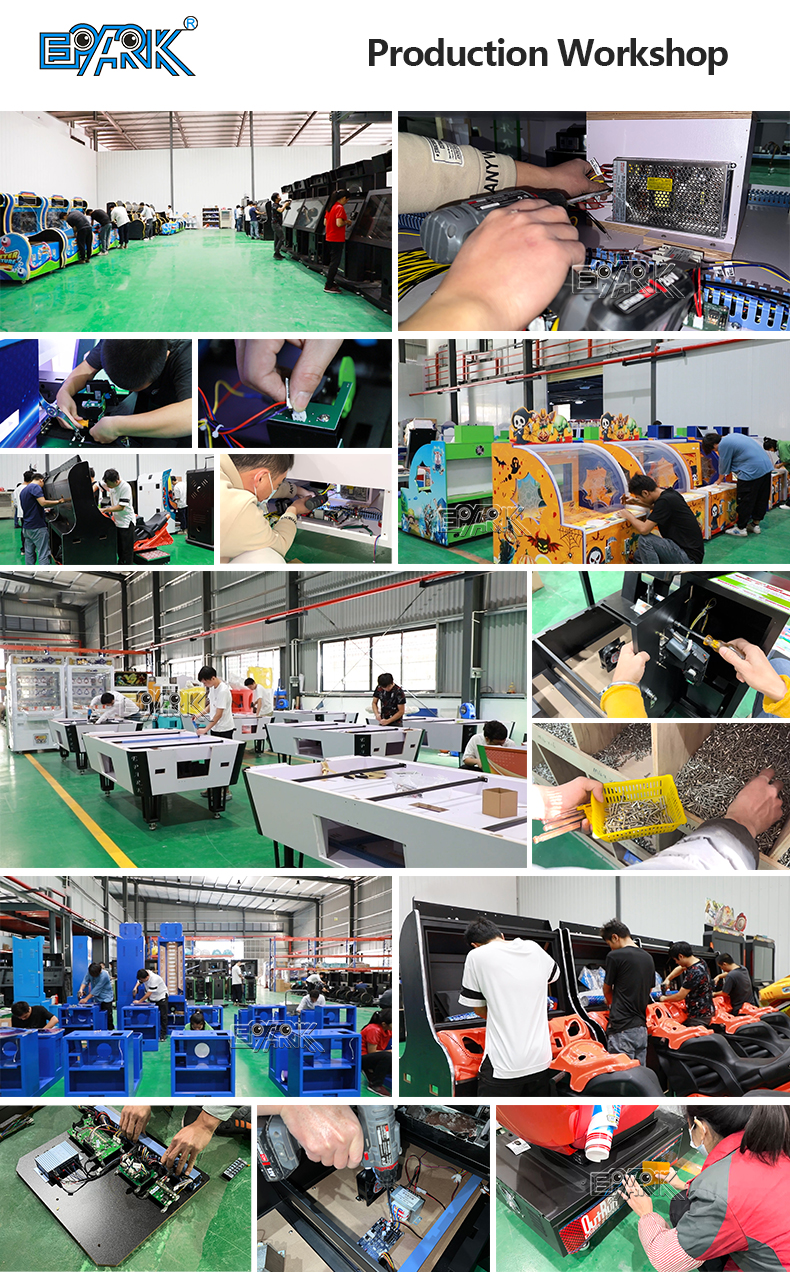
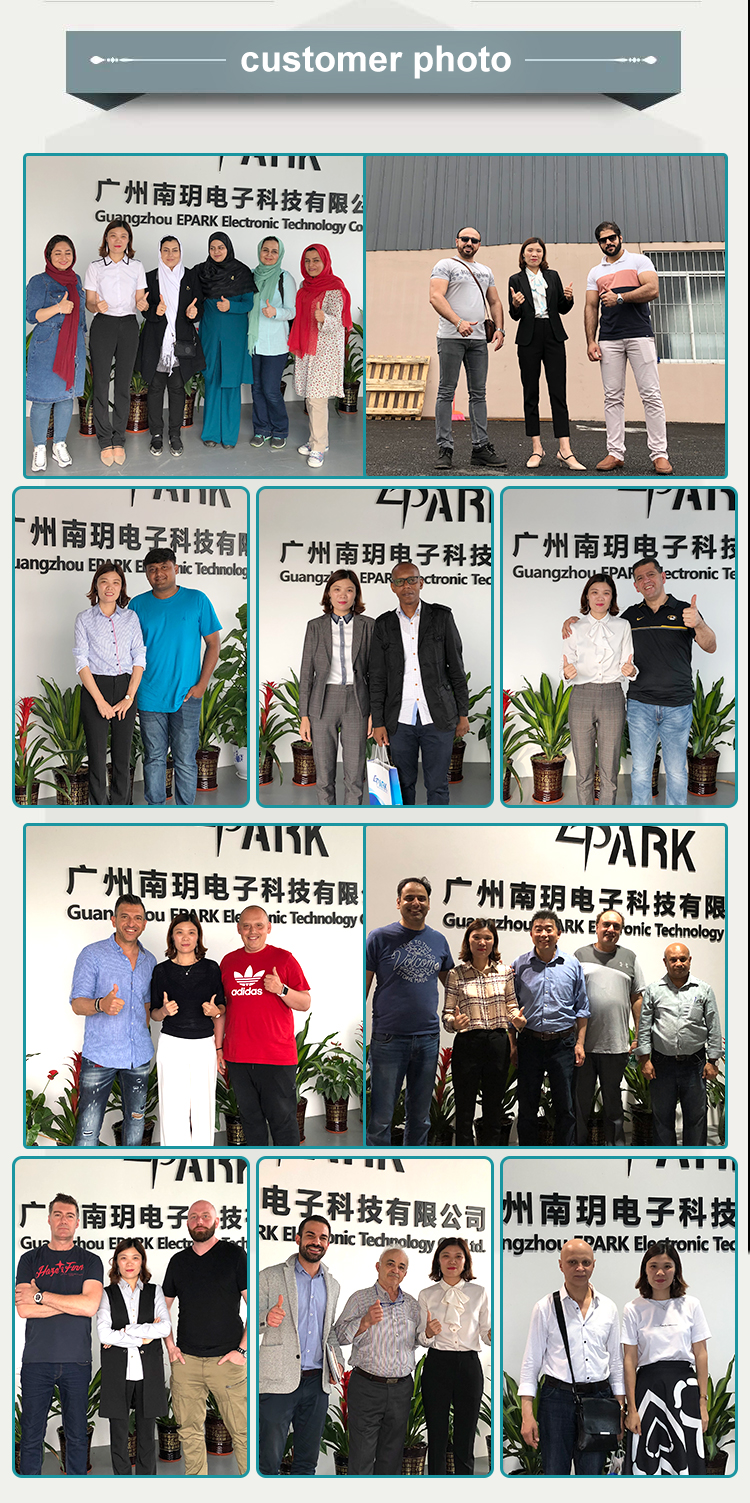
Our Customers :