| Place of Origin | Guangdong, China |
| Brand Name | EPARK |
| Type | VR game machine |
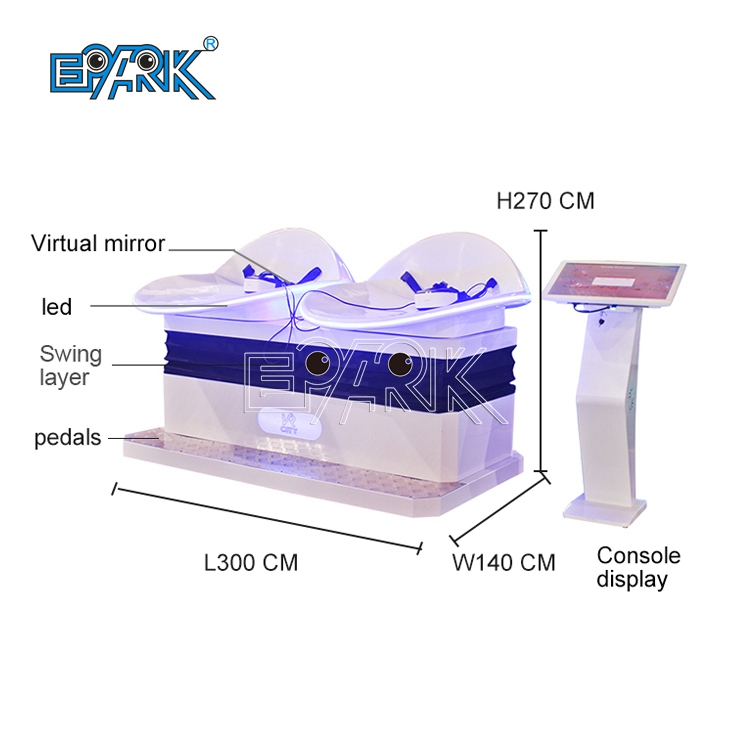
| Size | L300*W140*H270CM |
| Player | 2 |
| Delivery time | 7-15 days |
| Apply for | amusement park, indoor theme park, supermarket, shopping mall, kindergarten,school, residential quarter, ect |
1. Dual-Seat VR Experience
Features two individual reclining seats, allowing two players to enjoy virtual reality entertainment together in one simulator.
2. Immersive VR Headset System
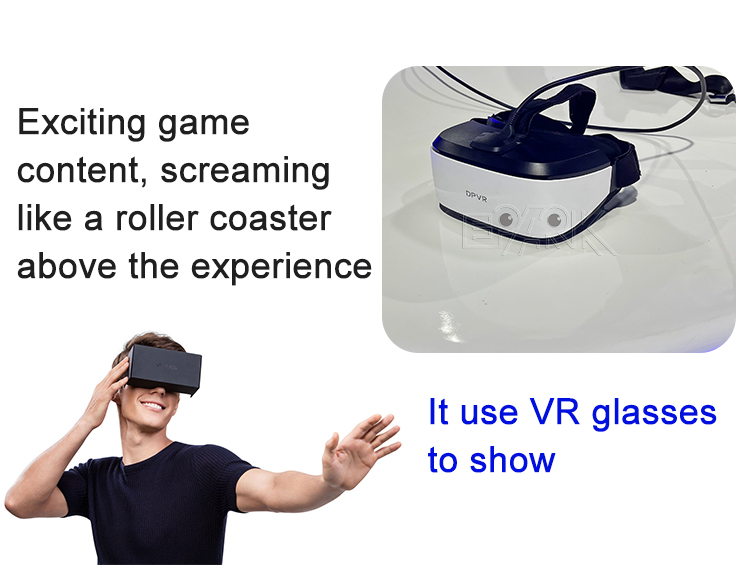
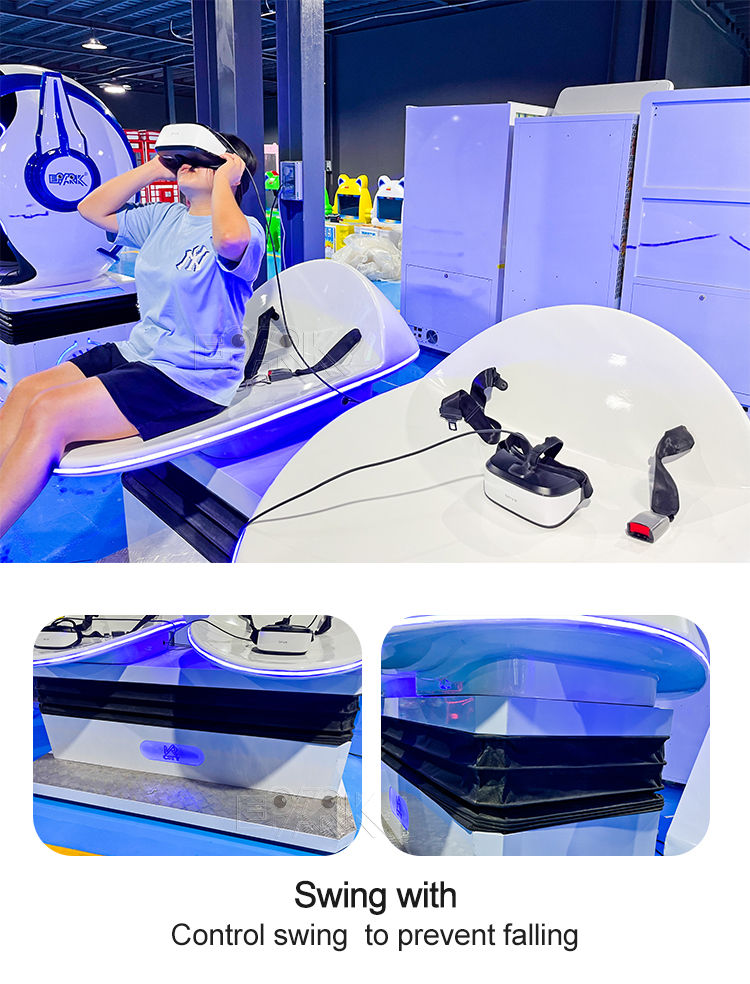
Each seat is equipped with VR viewing equipment, providing an engaging virtual environment and an individual entertainment experience.
3. Motion Platform Design
The simulator features a raised seating platform with a mechanical base designed to support motion-based entertainment, depending on the machine's configuration.
4. Independent Touchscreen Control Console
Includes a separate touchscreen console for accessing available entertainment programs and managing simulator operations.
5. Commercial VR Entertainment Solution
Features a modern white and blue cabinet, decorative lighting, and a compact dual-seat arrangement. Suitable for shopping malls, VR experience centers, amusement arcades, and family entertainment venues.
1. Choose Your VR Experience
Browse the available VR entertainment programs using the touchscreen control console.
2. Take Your Seat
Sit in an available simulator seat and follow the operator's instructions to prepare for the experience.
3. Wear the VR Headset
Put on the VR headset and adjust it for a comfortable viewing experience.
4. Enjoy the Virtual Adventure
Experience the virtual environment and the simulator's available motion effects while remaining properly seated.
5. Finish the Session
Wait until the experience ends and the platform stops completely before removing the headset and leaving the simulator.