| Place of Origin | Guangdong, China |
| Brand Name | EPARK |
| Type | VR machine |
| Size | 170*170*280CM |
| Player | 2 |
| Delivery time | 7-15 days |
1. Dual-Seat VR Entertainment Experience
Features two individual seating positions within one simulator cabinet, allowing two visitors to enjoy virtual reality entertainment together.
2. Padded Seats with Safety Restraints
Each seat features a supportive backrest, padded over-the-shoulder restraints, and integrated hand grips, providing a dedicated riding position during the experience.
3. Overhead Entertainment Display
Equipped with a large upper screen that displays available entertainment programs and system information, helping operators manage the VR experience.
4. Futuristic Blue and White Cabinet Design
Combines a modern blue and white exterior, illuminated decorative panels, and distinctive side structures to create an attractive commercial entertainment attraction.
5. Integrated Simulator Platform
The dual-seat structure is mounted on a dedicated base with a front platform, providing an organized installation layout for indoor entertainment venues.
6. Commercial VR Entertainment Applications
Suitable for shopping malls, amusement arcades, family entertainment centers, VR experience centers, and indoor amusement parks looking to expand their immersive entertainment offerings.
1. Choose Your VR Experience
Browse the available entertainment programs on the display and choose a suitable VR experience with operator assistance.
2. Take Your Seat
Sit in one of the two simulator seats and prepare for the entertainment session.
3. Secure the Safety Restraints
Fasten the provided safety restraints properly and hold the available hand grips according to the operator's instructions.
4. Prepare the VR Equipment
Put on the compatible VR headset and adjust the viewing position for a comfortable experience.
5. Enjoy the Virtual Adventure
Experience the virtual environment and the simulator's available movement effects while remaining securely seated.
6. Finish the Session
Wait until the program ends and the simulator stops completely before removing the VR equipment, releasing the restraints, and exiting safely.


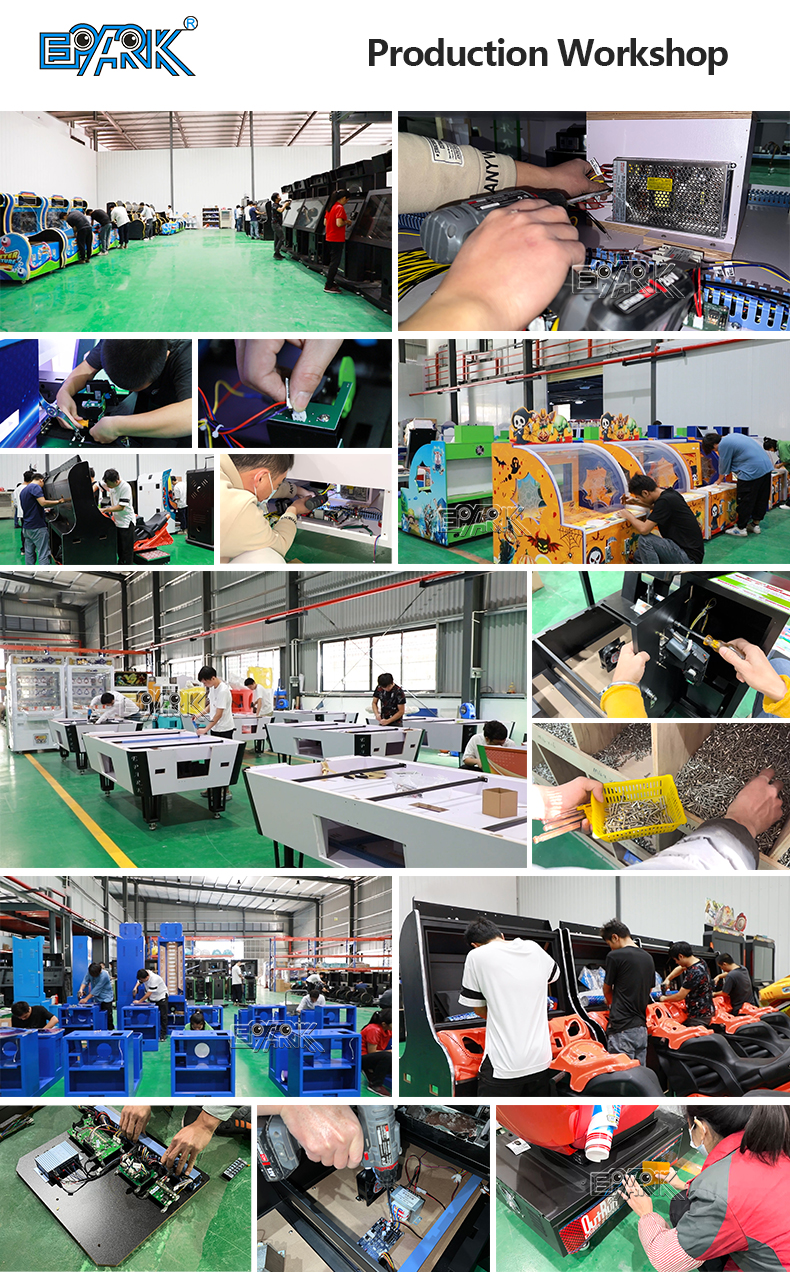
Our Customers :